

MMS stands for Multimedia Messaging Service. MMS Meaning in Text is the format your phone uses when a text carries more than plain words, such as a photo, a video, an audio clip, or a message sent to a group. Plain-text messages use SMS instead, and your phone switches between the two automatically.
That simple difference explains a lot of everyday texting puzzles. Why does a picture fail on Wi-Fi? Why do group chats act strangely when one person has an Android phone? Why does a sharp photo arrive looking blurry?
In this guide, you will learn what MMS means in text, how it differs from SMS, when your phone uses it, whether it needs mobile data, and how to fix it when it stops working. Every step is written in plain language, so you can follow it on any phone.
What Does MMS Mean in a Text Message?
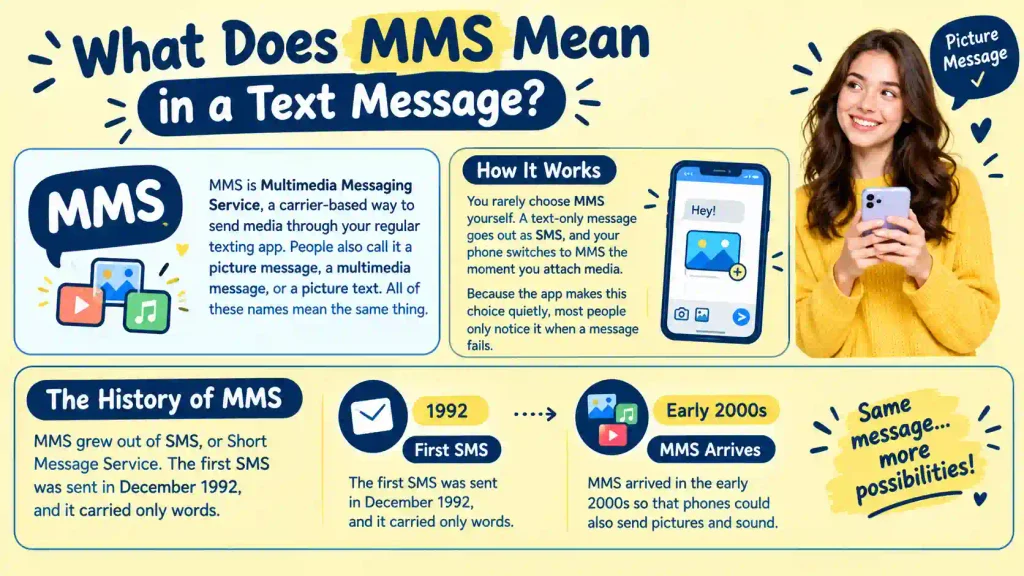
MMS is Multimedia Messaging Service, a carrier-based way to send media through your regular texting app. People also call it a picture message, a multimedia message, or a picture text. All of these names mean the same thing.
You rarely choose MMS yourself. A text-only message goes out as SMS, and your phone switches to MMS the moment you attach media. Because the app makes this choice quietly, most people only notice it when a message fails.
MMS grew out of SMS, or Short Message Service. The first SMS was sent in December 1992, and it carried only words. MMS arrived in the early 2000s so that phones could also send pictures and sound.
MMS vs SMS: What Actually Changes
| Stands for | Short Message Service | Multimedia Messaging Service |
| Carries | Text only | Text, photos, video, audio, GIFs, contact cards |
| Length | 160 characters per part (70 with some symbols) | Much longer text allowed |
| Needs mobile data | No | Usually yes |
| Group messaging | Limited | Supported |
| End-to-end encryption | No | No |
Why SMS Stops at 160 Characters
A single SMS holds 160 characters when it uses the basic GSM character set. If a message includes characters outside that set, such as many emojis or non-Latin scripts, the limit drops to 70. Longer messages are split into linked parts, and the receiving phone joins them back together. That is why one long text can count as two or three messages on a limited plan.
What MMS Adds
MMS Meaning in Text removes most of those limits. You can attach images, video, audio, GIFs, and contact cards, add a subject line, and write far more text. The trade-off is file size. Carriers cap MMS attachments, and the cap varies. Google Fi, for example, lists a maximum MMS size of 8 MB, while your carrier may allow more or less.
When Does a Text Become an MMS?
Your phone usually switches to MMS when you:
- Attach a photo, video, or audio clip.
- Add a GIF or sticker from your keyboard.
- Add a subject line
- Send a message to a group that includes people who are not using iMessage or RCS.
- Send a very long message on some phones and carriers.
The exact rules depend on your phone, messaging app, and carrier. If you are unsure which format you used, check the bubble color on an iPhone or the message details on many Android phones.
Why Group Texts Behave Differently
Group chats are where MMS Meaning in Text surprises people most. A group made up only of iPhone users stays in iMessage. Add one Android user, and the chat may fall back to group MMS or RCS. If replies from some people never show up, review the group messaging option in Google Messages. Under Advanced settings, you can choose to send an MMS reply to all recipients.
How an MMS Travels From Your Phone to Theirs
An MMS Meaning in Text does not go straight from one phone to another. Your phone bundles the message and sends it to your carrier’s Multimedia Messaging Service Center, usually called the MMSC. This server stores and forwards MMS messages. If the recipient is on a different carrier, your MMSC hands the message over. If their phone is off or has no service, the server holds the message and delivers it once the phone is reachable.
This path also explains the blurry photo problem. To fit carrier size limits, photos and videos are often compressed along the way. When quality matters, send the original through a cloud link instead.
If a recipient’s phone cannot handle MMS, they will most likely receive a text with a web link to view the file.
Does MMS Use Wi-Fi or Mobile Data?
In most cases, MMS needs mobile data, even when your phone is connected to Wi-Fi. This surprises many people, because chat apps and iMessage work fine over Wi-Fi. MMS travels through your carrier’s data connection rather than the open internet. Google’s own troubleshooting steps for MMS begin with making sure you have a data connection.
Some carriers support MMS over Wi-Fi calling, so results can vary. If a picture will not send while you are on Wi-Fi, turn on mobile data first.
MMS, iMessage, RCS, and WhatsApp: How They Relate
MMS is a carrier service built on the cellular network. iMessage and WhatsApp run over the internet, and RCS is a newer carrier-provided standard. Your texting app may display several of them side by side.
What the Bubble Colors Mean on iPhone
Blue bubbles are iMessages, sent between Apple devices. iMessage supports delivery receipts, read receipts, and typing indicators. Green bubbles are SMS, MMS, or RCS messages, and SMS and MMS can reach non-Apple devices as well as other iPhones.
A green bubble means the message did not go through iMessage. Common reasons include the other person using an Android phone, iMessage being switched off, or iMessage being temporarily unavailable.
Where RCS Fits In
RCS adds typing indicators, read receipts, and better media quality to carrier messaging. On iPhone, it requires iOS 18 and a carrier that supports it. Where RCS is available, a chat between an iPhone and an Android phone may use it instead of MMS. Support varies by carrier and country, so MMS remains a common fallback.
Is MMS Private?
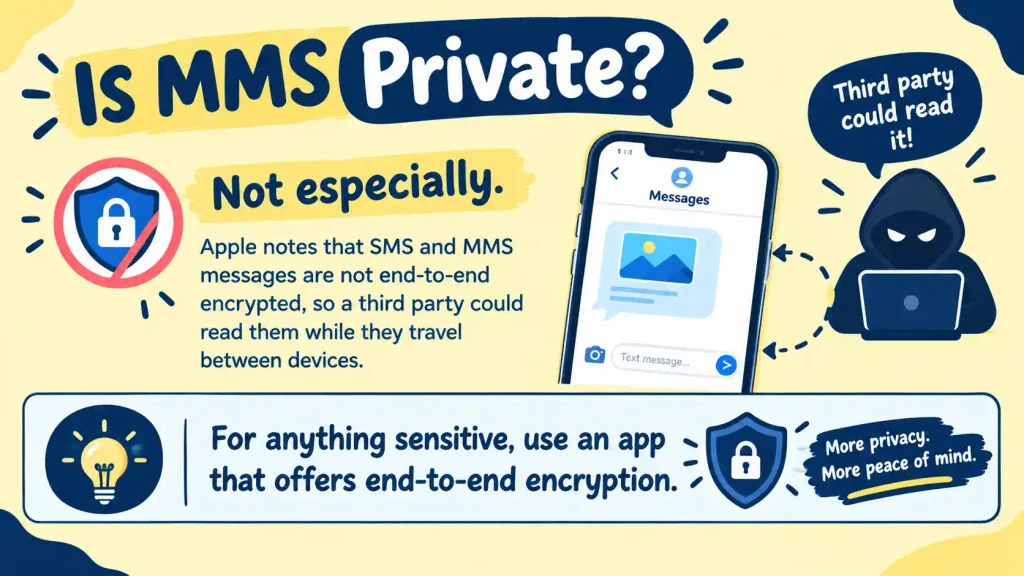
Not especially. Apple notes that SMS and MMS messages are not end-to-end encrypted, so a third party could read them while they travel between devices. For anything sensitive, use an app that offers end-to-end encryption.
MMS Not Working? Fixes in Order of Likelihood
Start with the simple causes. Most MMS failures come down to data, signal, file size, or settings.
- Turn on mobile data. Switch off Wi-Fi briefly and try again.
- Check your signal. A weak connection can stall a large file.
- Shrink the file. Send a shorter clip or a smaller photo.
- Confirm that MMS is enabled. On iPhone, open Settings, then Messages (in iOS 18 and later, Settings, then Apps, then Messages), and turn on MMS Messaging. Also make sure Cellular Data is on. If you do not see the option, your carrier may manage MMS automatically.
- Check Android auto-download. In Google Messages, tap your profile picture, open Messages settings, choose Advanced, and turn on Auto-download MMS.
- Check your plan. Make sure your plan or credit balance allows you to send and receive messages.
- Reset your APN settings. APN stands for Access Point Name, the settings that tell your phone how to reach your carrier’s network. Google suggests resetting them to default if MMS still fails. On many Android phones, you will find them under your network settings, in Access Point Names.
- Restart the phone, then contact your carrier if nothing works.
If a photo will not download, check your free storage too, and ask the sender to resend it in case their upload failed.
Does MMS Cost Extra?
On many modern plans, MMS is included with unlimited texting. Some prepaid or limited plans bill each MMS or count it against a data allowance, and roaming can add charges. Check your own plan instead of assuming. Businesses that send MMS through texting platforms usually pay more per message than they do for SMS, but that is a separate topic from everyday texting.
Other Meanings of MMS
If you see MMS in a text conversation, it almost always means Multimedia Messaging Service. Outside texting, it can mean:
- Mohs micrographic surgery, a technique used to treat some skin cancers
- Minerals Management Service, a former U.S. Department of the Interior agency
- Magnetospheric Multiscale, a NASA space mission
- Master of Management Studies, a postgraduate business degree in some countries
- mms://, an older web address style for streaming media
- A product name for a bleach solution sold with false health claims, which the U.S. FDA warns people not to drink
In some regions, including parts of South Asia, news headlines and social media also use “MMS” to describe leaked private videos. Sharing someone’s private images or videos without consent can seriously harm them, and it is illegal in many places. If you or someone you know is affected, report the content to the platform and consider seeking local legal help.
Practical Tips for Sending Photos and Videos
- Share originals through a link. Upload to a cloud service when quality matters.
- Trim videos first. Short clips are far more likely to send successfully.
- Add a caption. Text beside an image helps if the media fails to load.
- Keep private files off MMS. Treat it as unencrypted.
- Check group settings. If group replies behave oddly, review your group messaging option.
Frequently Asked Questions
What does MMS Meaning in Text message?
MMS stands for Multimedia Messaging Service. It is the format used when a text includes media or goes to a group.
Does MMS work on Wi-Fi?
It usually needs mobile data, although some carriers support MMS over Wi-Fi calling.
Are iMessage and WhatsApp the same as MMS?
No. Both run over the internet, while MMS runs through your carrier.
Why won’t my MMS send?
Common causes include mobile data being off, weak signal, a large file, disabled MMS settings, or incorrect APN settings.
Final Thoughts on MMS Meaning in Text
MMS is the part of texting that carries pictures, videos, audio, and longer messages, while SMS handles short, plain-text ones. Your phone chooses between them for you, and MMS usually relies on mobile data, which is why a photo can fail on Wi-Fi alone.
The next time a message refuses to send, check your data connection first, then your signal, file size, and settings. For photos that must stay sharp, share a cloud link instead. And for anything private, choose an app with end-to-end encryption.
Now that you know what MMS means in text, you can troubleshoot with confidence and explain it to the next person who asks. Keep this guide handy, and picture messages will feel far less mysterious.
Red More:TSTS Meaning in Text: 5 Secret Uses, Heartbreaking Examples & Chat Slang Decoded

Daniel is a former English literature teacher turned digital educator. He believes that grammar rules stick best when tied to real-life stories, which is why his articles focus on practical usage, antonyms, metaphors, and word meanings explained the way you’d actually use them in conversation.


